WellCMS 3.0 正式发布
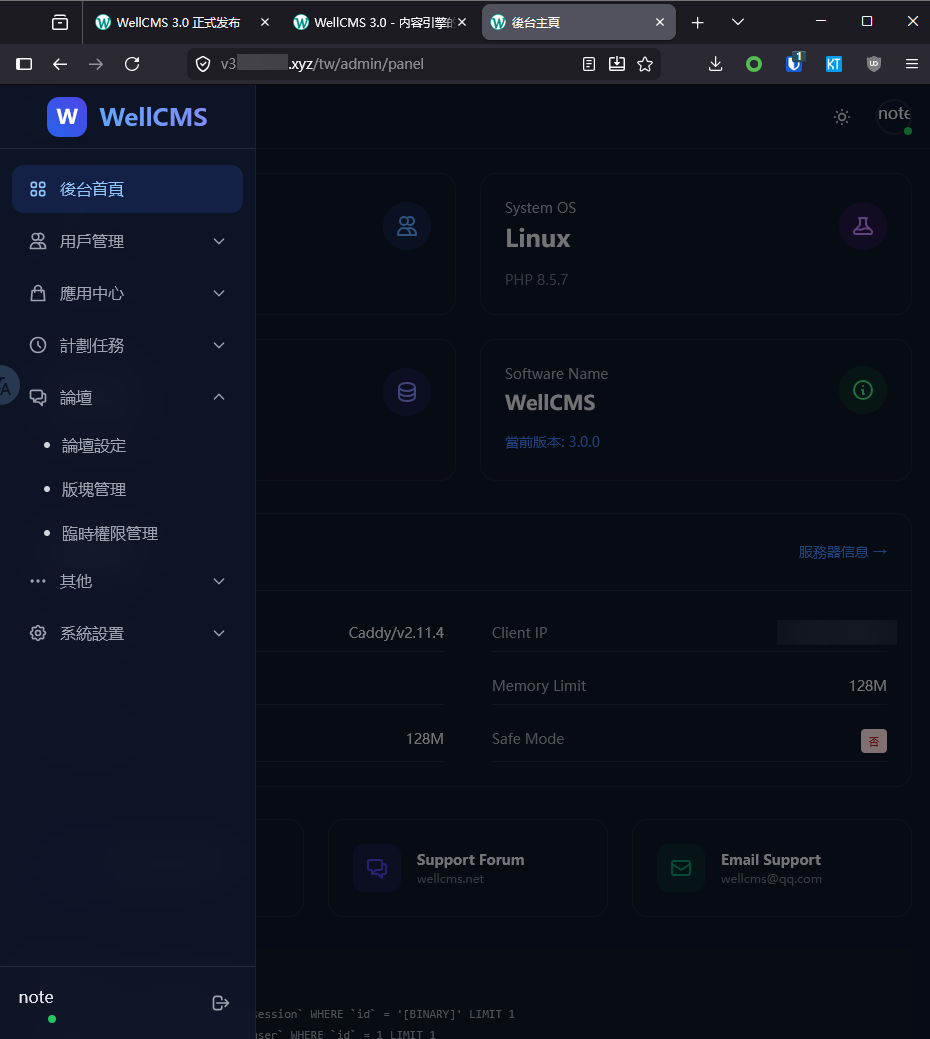
经过持续迭代,我们很高兴地宣布 WellCMS 3.0 正式版发布。这是一个里程碑式的版本,从零重写了核心框架,引入了现代化的架构设计,同时保持了轻量级和高性能的传统。
核心亮点
零 Composer 依赖
不依赖任何第三方包,通过自研 Autoload 和 Compile 实现自给自足。
FPM / Swoole 双模式
既能在普通虚拟主机开箱即用,也能在 Swoole 协程环境中发挥极致性能。
PSR-7 兼容
请求/响应对象完全遵循 PSR-7 规范,中间件管道遵循 PSR-15 标准。
自研 IoC 容器
O(1) 循环依赖检测、反射缓存、工厂闭包缓存、延迟加载代理。
编译缓存体系
模板、语言包、容器、资产全自动编译缓存,生产环境零文件检查开销。
多级缓存
Redis / Memcached / APCu / YAC / Static 多层调度。
升级说明
暂不支持 WellCMS 2.x 升级至 3.0,旧插件不兼容。
WellCMS V3 部署说明
一、项目信息
| 项目 | 地址 |
|---|---|
| GitHub 仓库 | https://github.com/wellcms/wellcmsV3 |
| Release 页面 | https://github.com/wellcms/wellcmsV3/releases/tag/v3.0.0 |
| 源码下载(zip) | https://github.com/wellcms/wellcmsV3/zipball/v3.0.0 |
| 源码下载(tar.gz) | https://github.com/wellcms/wellcmsV3/tarball/v3.0.0 |
仓库默认 README 为英文,可点击 简体中文 查看中文版本。
二、系统要求
必需环境
- PHP ≥ 7.2(建议 8.0 及以上)
- PHP 扩展:PDO、mbstring、gd / imagick、fileinfo、openssl
- 数据库:MySQL / MariaDB / PostgreSQL / SQLite
- Web 服务器:Nginx / Apache(推荐 Nginx)
可选环境
- Swoole 扩展 ≥ 4.5(如需以 Swoole 模式运行)
- Redis(如需使用 Redis 缓存或任务队列)
- Memcached / APCu / YAC(可选缓存驱动)
三、下载源码
方式一:通过浏览器下载
访问 Release 页面 Release WellCMS 3.0.0 - Initial Release · wellcms/wellcmsV3 · GitHubgithub.com 点击页面底部的 Source code (zip) 或 Source code (tar.gz) 下载。
方式二:通过命令行下载
方式三:通过 Git 克隆
git clone https://github.com/wellcms/wellcmsV3.git
cd wellcmsV3
四、目录结构
wellcmsV3/├── app/ # 应用层(控制器、服务、中间件、模型、视图)├── bin/ # CLI 入口(Swoole 服务器 / 任务调度器)├── config/ # 运行时配置文件├── install/ # 图形化安装向导├── public/ # Web 入口与静态资源├── src/ # 框架层(IoC、HTTP、DB、Cache、Session、Scheduler)├── storage/ # 日志、编译缓存、上传文件├── themes/ # 主题风格目录├── plugins/ # 插件目录├── README.md # 英文说明└── README.zh-CN.md # 中文说明
五、FPM 模式部署
1. 上传代码
将源码上传到服务器 Web 目录,例如 /var/www/wellcmsV3/。
2. 设置目录权限
确保以下目录对 Web 用户可写:
chmod -R 755 storage/
chmod -R 755 config/
chmod -R 755 install/
3. 配置 Web 服务器
将网站文档根目录指向 public/ 目录。
Nginx 配置示例
server {
    listen 80;
    server_name your-domain.com;
    root /var/www/wellcmsV3/public;
    index index.php;

    location / {
        try_files $uri $uri/ /index.php?$query_string;
    }

    location ~ \.php$ {
        fastcgi_pass 127.0.0.1:9000;
        fastcgi_index index.php;
        fastcgi_param SCRIPT_FILENAME $document_root$fastcgi_script_name;
        include fastcgi_params;
    }

    location ~ /\.(git|svn|htaccess|env) {
        deny all;
    }
}
更详细的伪静态规则请参考项目根目录下的 nginx.conf.example。
4. 运行安装向导
访问:
RTEPLACEHOLDER5
按页面提示完成 5 步安装:
- 同意许可协议
- 环境检测
- 数据库配置
- 管理员账号设置
- 完成安装
5. 安装后安全设置
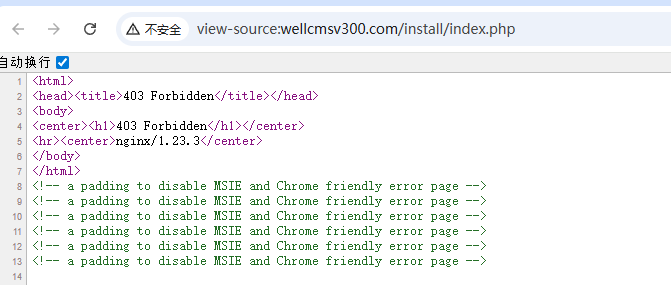
安装完成后,系统会生成 install/install.lock 文件。建议通过 Nginx 配置禁止直接访问 install/ 目录:
location ^~ /install/ {
    deny all;
}
六、Swoole 模式部署
1. 安装 Swoole 扩展
pecl install swoole在 php.ini" target="_blank">php.ini 中启用:
extension=swoole
2. 启动 Swoole 服务器
cd /var/www/wellcmsV3

# 前台启动,默认端口 9501
php bin/well-server start

# 后台守护进程启动
php bin/well-server start -d
3. 管理 Swoole 服务
php bin/well-server stop

# 重启
php bin/well-server restart

# 热重载
php bin/well-server reload

# 查看状态
php bin/well-server status
4. Nginx 反向代理(生产环境推荐)
server {
    listen 80;
    server_name your-domain.com;

    location / {
        proxy_pass http://127.0.0.1:9501;
        proxy_http_version 1.1;
        proxy_set_header Host $host;
        proxy_set_header X-Real-IP $remote_addr;
        proxy_set_header X-Forwarded-For $proxy_add_x_forwarded_for;
    }
}
更详细的 Swoole 生产部署说明请参考:bin/SWOOLE_DEPLOY_GUIDE.md
七、任务调度器部署
如需使用定时任务功能,需启动调度器:
# 启动常驻任务调度器
php bin/scheduler

# 健康检查
php bin/scheduler-health-check
详细部署与运维指南请参考:bin/SCHEDULER_DEPLOY_GUIDE.md
八、配置文件说明
安装成功会将 src/Config/ 目录下的 .default.php"文件自动复制到 config/目录,无需手动。
然后根据实际环境修改 config/ 中的文件。
九、常见问题
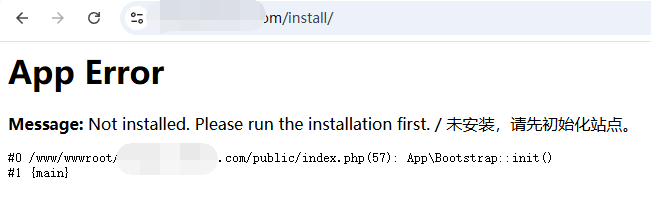
1. 访问首页提示“未安装”
请确认 install/install.lock 文件已生成,且 config/Database.php 配置正确。
2. 静态资源 404
请检查 Nginx 中 plugins/、themes/、storage/ 等目录保持写权限。
3. 缓存不生效
请确认已安装并启用对应的缓存扩展(如 Redis、Memcached),且在 RTEPLACEHOLDER32 中配置正确。
十、相关链接
- 项目仓库:https://github.com/wellcms/wellcmsV3
- 英文 README:https://github.com/wellcms/wellcmsV3/blob/main/README.md
- 中文 README:https://github.com/wellcms/wellcmsV3/blob/main/README.zh-CN.md
- 最新 Release:https://github.com/wellcms/wellcmsV3/releases/latest
文档生成时间:2026-06-18